
July 2, 2026

Framer vs Webflow in 2026: Compare pricing, CMS, enterprise features, SEO, and speed to choose the right platform for your business.

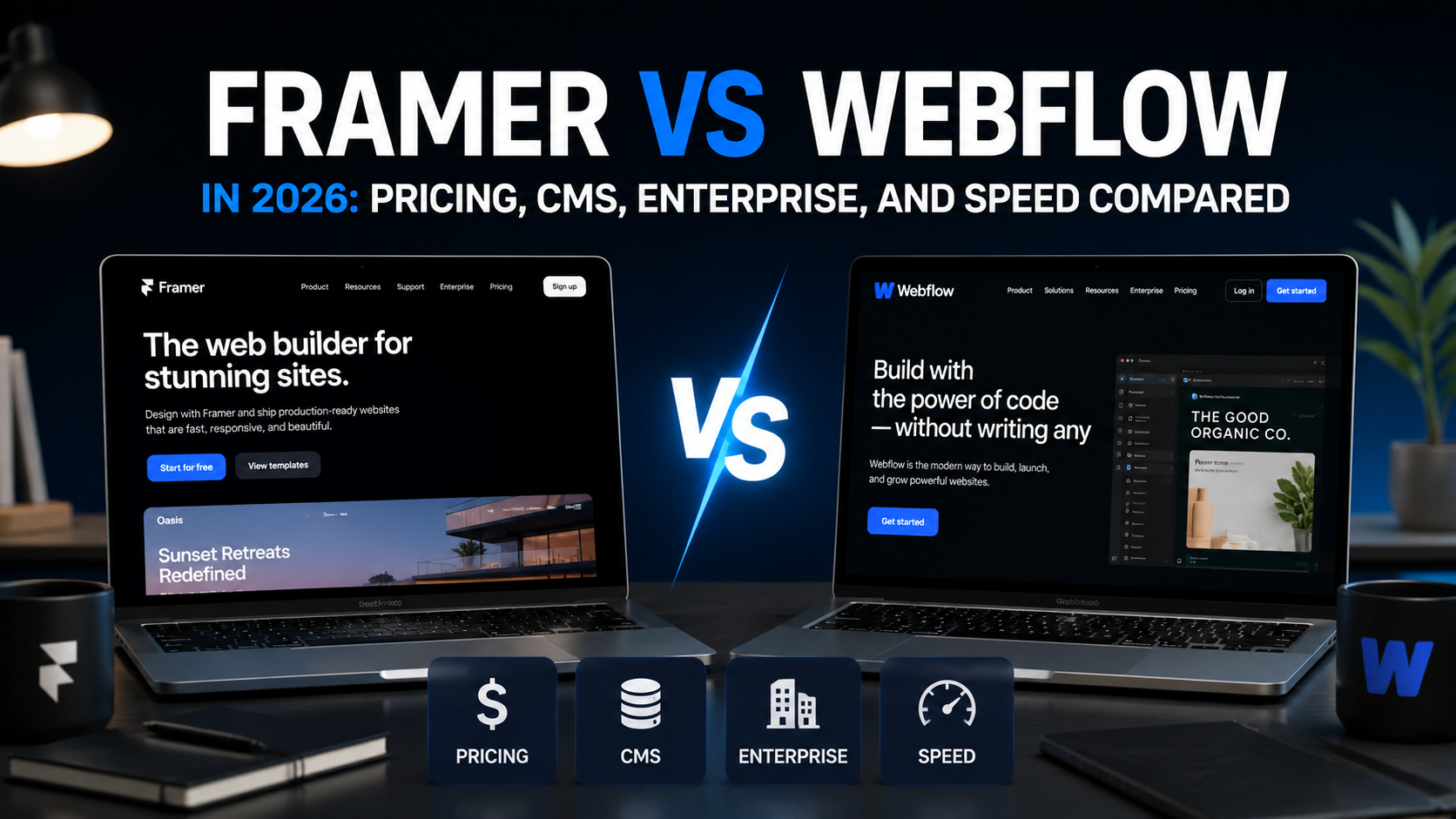
If you have been trying to decide between Framer and Webflow this year, you are not alone. Both tools have grown fast, and both now serve very different audiences. This guide breaks down exactly what you get with each platform in 2026, covering pricing, CMS capabilities, enterprise readiness, and page speed. No filler, just the facts you need to make a call.
At Colibri Systems, we have worked with businesses across many industries to build websites that actually perform. We see teams pick the wrong platform all the time, and it costs them time and money. This comparison is meant to save you both.
Framer works best for startups, design-focused teams, and anyone who wants beautiful animations without writing code. Webflow is the stronger choice when you need a mature CMS, complex project structures, or enterprise-grade controls.
That said, the gap between the two has narrowed a lot. Read on to see where each one wins.
Framer Pricing
Framer offers a free plan for personal projects. Paid plans start around $10 per month for basic hosting and go up from there for team workspaces and advanced features. The pricing model is relatively straightforward and tends to feel more affordable at the lower end.
Webflow Pricing
Webflow has always had more pricing tiers because it covers more ground. Site plans start at around $18 per month and scale up depending on CMS usage, form submissions, and traffic. Workspace plans for teams add another layer of cost. For agencies or businesses managing multiple client sites, Webflow can get expensive faster than Framer.
The Bottom Line on Cost
For solo creators or small teams shipping one or two sites a year, Framer is cheaper. For agencies or businesses that need to manage clients, content editors, and team permissions, Webflow's pricing makes more sense even if the number looks higher.
Framer CMS
Framer's CMS has improved significantly over the past couple of years. You can now create collections, link them to page templates, and give clients a basic editor experience. It handles most standard use cases like blog posts, team pages, and product listings without much trouble.
Where Framer still falls short is on complex relational data. If you need cross-references between collections, conditional filtering, or deeply nested content structures, Framer will feel limiting.
Webflow CMS
Webflow's CMS is genuinely powerful. You get multi-reference fields, conditional visibility, and a visual editor that non-technical users can actually learn. It also integrates well with tools like Zapier, Make, and direct API calls, which means you can pipe data in and out without much custom dev work.
Webflow's CMS is still the better pick for content-heavy sites. If your blog, resource library, or product catalogue is central to the business, Webflow gives you more room to grow.
Framer for Enterprise
Framer has added enterprise features including SSO, advanced team roles, and private workspaces. For design teams at larger companies, this is welcome progress. However, Framer's enterprise story is still maturing. Things like audit logs, SLAs, and dedicated support are not as robust as you would find with a more established enterprise platform.
Webflow for Enterprise
Webflow Enterprise is a proper offering. It includes custom security reviews, dedicated infrastructure, SLA guarantees, priority support, and compliance tools that larger IT teams actually care about. If you are a mid-size to large business with procurement and security requirements, Webflow is the safer choice.
That said, if your company truly needs enterprise web infrastructure, a custom-built solution through a professional web design partner may outperform either platform. You can learn more about what that looks like on the Colibri Systems web design services page.
Framer Speed
Framer sites are generally very fast out of the box. The platform uses edge hosting by default and optimises assets automatically. Core Web Vitals scores on well-built Framer sites tend to be strong, especially for simpler pages without heavy CMS content.
Webflow Speed
Webflow sites can be fast, but they require more attention. Poorly structured interactions, unoptimised images, and heavy CMS-driven pages can drag scores down. With the right setup and a clean build, Webflow matches Framer on performance. The difference is that Framer makes speed easier to achieve passively.
Page speed matters for more than just user experience. It directly affects your search rankings. If you want to understand how that works, check out our blog on how AI search rankings work.
Here is a simple way to think about it:
Still unsure? Reach out to the team at
Colibri Systems and we can walk you through what makes sense for your situation.
About Colibri Systems: We help businesses build websites and digital systems that drive real growth. From web design to SEO and CRM, our team takes a practical approach to online presence. Visit us at colibrisystems.co to learn more.

It depends on your use case. Framer is better for design-heavy, smaller sites. Webflow is stronger for CMS-driven or enterprise projects.
There is no direct migration tool. You would need to rebuild pages and recreate your CMS structure. For large sites, this is a significant undertaking.
Framer tends to produce faster results with less effort. Webflow can match it, but you need to actively optimise your build.
Both platforms offer solid SEO basics. Webflow gives you more granular control, especially for CMS-generated pages. Framer has been closing the gap but is not quite there yet.
For most growing businesses, we recommend evaluating whether a platform or a custom build better fits your long-term goals. We cover this in more detail on our services page.