
July 2, 2026

Squarespace vs Webflow in 2026, from an agency founder who built on both. Compare design, SEO, CMS, pricing, and ease of use to choose the right platform.

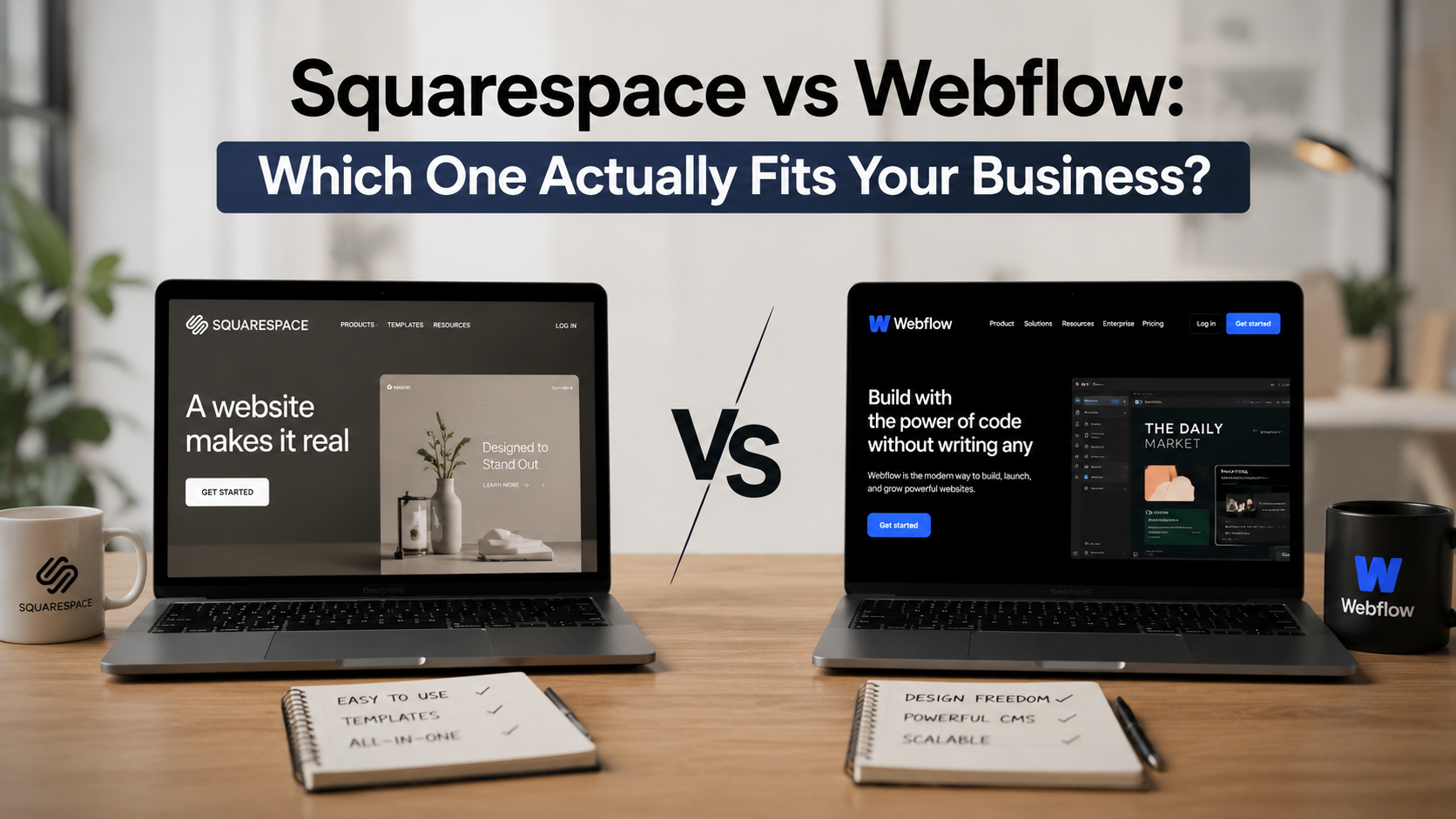
If you are a business owner or a web designer weighing Squarespace against Webflow, this decision deserves more care than most comparison articles give it. The platform you choose shapes your design process, and it quietly shapes something bigger: the long-term results your website can produce for your business. So let us answer the real question here. Between these two platforms, which one is the right fit for you?
I can speak to this from both sides. When I started my web design agency in 2017, every client website I delivered was built on Squarespace. It was only about four years ago that I moved my entire client process over to Webflow, and I made that move for specific reasons that I will walk you through. Both platforms are genuinely capable. They simply serve different goals, and once you understand the difference, the right choice for your business becomes much clearer.
There is a reason I built on Squarespace for years. It is one of the most straightforward platforms to design on. You work with a drag-and-drop system where you add sections, drop in images and text wherever you need them, and move pieces around until the layout feels right. With the current 7.1 generation, the design experience has come a long way. You can get reasonably custom with the look of the site, and you start from a library of templates that already look polished and artful. For a lot of businesses, that combination of speed and good taste out of the box is exactly what they need.
Here is what really stood out to me when I was delivering Squarespace sites, and it is the main reason I used it for so long. Clients could understand the editor. After a project was delivered, a business owner could log in, find their way around the menu, and make their own updates without calling me every time something needed to change.
That mattered to me on principle. I do not want clients tethered to me for the life of their website. I want them to have the freedom to update their own content. Compare that to a typical WordPress site, where you often need a developer to make even modest changes. With Squarespace, almost anyone can go in and update a page, with a few light guardrails: keep the core design intact and avoid rewriting the strategy that went into the copy. That accessibility is the single biggest thing Squarespace has going for it. If your priority is getting a clean, professional site online that you can manage yourself, it is a strong fit. The same goes for designers who are early in their journey. It is an approachable platform to learn on, and it keeps things simple for your clients too. You can see what professionally designed sites look like across industries in our web design portfolio.
The trade-off for that simplicity is a ceiling. Squarespace gives you a defined set of design options, and once you reach the edge of them, there is not much further to go. For many sites that ceiling sits comfortably above what the business needs. But if you are serious about growth, and especially about search visibility, you start to feel the limits in how much you can fine-tune and how far you can scale the content. That is the exact point where Webflow enters the picture.
Webflow is also a visual, drag-and-drop platform, but it carries one major distinction that increases both its complexity and its power. The designer is far more detailed. The level of customization you can reach inside Webflow goes well beyond what Squarespace allows. For a designer who wants real control over how a site looks and behaves, that depth is the draw.
The most important piece, and the reason I switched, is Webflow's content management system. The CMS is what turns Webflow into a powerhouse for scaling and growing a website. If you are serious about SEO, and you should be, whether you are growing your own business or helping clients get found, a CMS makes growing and scaling a site dramatically easier. You can build out structured pages, connect content across the site, and expand your search footprint in a way that stays organized as the site gets larger. That sustainability is what pulled me over. I wanted a platform where a site could keep growing without becoming a tangle, and where a client could still update content through a clean editor.
Webflow keeps the ability for a non-developer to make edits, with one boundary. The editor is limited to the content on the page: text, images, and typography. A client, or anyone building their own site without a design background, cannot freely shift the design. The reason is structural. In Webflow, if you change a design element, you may be changing it everywhere that element appears across the entire site, often without realizing it. That makes the design side less intuitive and asks for a deeper understanding of how the platform works.
But that same structure is exactly what makes Webflow so powerful for those of us building and maintaining sites. We can make one change to an element in one place, and it applies everywhere that element lives. Editing a single instance and having it update across twenty pages at once is the kind of leverage that makes a site genuinely scalable. It is more sophisticated, and that sophistication is the point. You can even build full web apps inside Webflow when a project calls for it.
Here is how the two platforms compare across the things that actually drive the decision.
Squarespace is the more straightforward of the two to design on, especially if you are getting started. Webflow is more sophisticated, which is a better word for it than complicated. That sophistication asks more of you upfront and gives you far more control in return. If a business owner wants to manage a simple site entirely on their own with no learning curve, Squarespace is the easier path.
Webflow wins on design control. A skilled designer can build something that looks genuinely custom, with no template constraints and clean styling underneath. Squarespace comes next. Its templates are excellent, and a well-customized Squarespace site looks professional for most businesses, within the boundaries of the template system. The difference shows up when a brand needs a look that no template can quite reach.
This is where the gap matters most for a growing business. Webflow produces clean, well-structured code, gives you full control over technical SEO, loads fast, and pairs all of that with the CMS for scaling content. Squarespace covers the SEO basics well and has improved its tooling over the years, but you have less room to fine-tune. If search is going to be a real growth channel for you, this category alone can decide the platform. We go deeper on what drives modern rankings in our piece on how AI search rankings work.
Webflow's CMS is the more flexible system by a clear margin, with custom fields, connected collections, and an API when you need to integrate other tools. For a content-heavy site that is meant to grow, that is a decisive advantage. Squarespace has a solid CMS that handles standard blogs, portfolios, and events well. The question is not which one can publish a blog. It is which one can keep scaling without friction as your content footprint expands.
At the tier most businesses actually use, the two platforms are close in price. Squarespace runs from about $16 per month for its Basic plan up to $99 per month for Advanced, billed annually, with Core at roughly $23 per month being the practical pick for most business sites because it unlocks custom code. Webflow simplified its plans in May 2026. It now offers a free Starter tier, a Basic site plan at $15 per month billed annually for static sites with no CMS, and a Premium plan at $25 per month billed annually that includes the full CMS, which is the plan that matters if you care about scaling and SEO. Monthly billing on either platform costs more than annual.
One practical note that applies to both: your domain is separate. You point a domain from a registrar like GoDaddy at the platform, and you are live. A quick way to hold the comparison in your head:
It comes down to what you want your website to do for your business.
Your goal is to get a clean, professional site online and have it act as a digital business card. You want customers to look you up, see that you are real and credible, and reach you easily. Squarespace is an excellent tool for that. Just make sure you use the built-in SEO settings so you are searchable and show up on Google. One honest expectation to set: without a real SEO strategy behind it, do not expect a large volume of traffic to find the site on its own. As a credibility signal and a contact point, it does the job well.
You are serious about expansion. Maybe you are already established and you want to grow to the next level. Webflow is the more professional platform to build your next website on. You may need the help of a web developer if you do not have the experience, and it is worth the investment when search is part of the plan and you are working with someone who can actually get you ranking and found for your services. It is also the right choice when you want to give clients or customers more than a brochure, such as a resource or document library, downloadable materials, or even a web app built into the site. If your website is meant to be a growth engine rather than a digital business card, this is the platform. You can see how we approach that kind of build in our small business web design work.
I made this move with my own agency, so I will be straight with you. There is no automatic migration tool that carries a site from Squarespace into Webflow. Moving over means rebuilding the site, which sounds heavier than it usually is, because a rebuild is also the moment you fix everything that was holding the old site back. If you have outgrown Squarespace's ceiling and you are ready to treat your website as a real growth channel, the switch is worth it. If your current site is doing its job and you have no plans to scale, there is no rush. Either way, the website should be the bottleneck you remove, not the one you create. We wrote more about that in our piece on website bottlenecks and what they cost.
Is Webflow better than Squarespace?
Neither is better in the abstract. Webflow is the stronger platform for design control, technical SEO, and scaling content, which makes it the better fit for businesses focused on growth. Squarespace is the better fit when you want a polished, professional site you can manage yourself without a designer. The right answer depends on your goal.
Should a small business use Squarespace or Webflow?
If you mainly need a credible online presence and the ability to update it yourself, Squarespace is a great fit. If search visibility and room to grow are priorities, Webflow gives you more, usually with a designer or agency involved. Many local businesses do well starting on Squarespace and moving to Webflow once growth becomes the focus.
Is Squarespace good for SEO?
Squarespace covers the fundamentals: clean URLs, SSL, basic metadata controls, and an SEO panel. It is enough to be found for your own business name and lower-competition terms. For competitive search where you want to rank and pull steady traffic, Webflow or a custom build tends to perform better thanks to cleaner code and more control.
Can I switch from Squarespace to Webflow later?
Yes. There is no one-click migration between the two, so switching means rebuilding the site. That is very doable, and it is often the right time to upgrade the design and SEO foundation at the same time. Plan for a rebuild rather than a transfer.
How do Squarespace and Webflow prices compare in 2026?
They are close at the plan most businesses use. Squarespace Core runs about $23 per month and Webflow Premium runs $25 per month, both billed annually, and both include what a typical business site needs. Annual billing is cheaper than monthly on either platform, and you buy your domain separately.
Which is better for ecommerce?
Squarespace has a more complete, integrated ecommerce solution at a lower price point. Webflow has ecommerce functionality, but for a full-featured online store, a dedicated platform like Shopify is often a better fit than either.
What about Wix?
Wix is the easiest and cheapest of the three to get online, which makes it appealing for the simplest sites. If you want all three weighed side by side, read our Webflow vs Wix vs Squarespace comparison.
Does Colibri Systems build Webflow sites?
Yes. Most of our work lives in Webflow because so many of our clients want search visibility and room to grow, though we build where the project calls for it. You can read our client reviews to see how that plays out in practice.
Still deciding which platform fits your goals? Tell us what you want your website to do for your business, and we will point you in the right direction. Start the conversation.
About Colibri Systems: We help businesses build websites and digital systems that drive real growth. From web design to SEO and CRM, our team takes a practical approach to online presence. Visit us at colibrisystems.co to learn more.